| |
| |
| How to use the PCDS web mail service that
lets you access your email from any web browser. |
| |
|
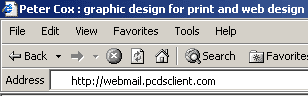
In the URL address bar
of your web browser, after the 'http://', type in 'webmail' followed
by your domain name.
For example, if your
domain is 'pcdsclient.com' then enter 'webmail.pcdsclient.com'.
|
|
|
|
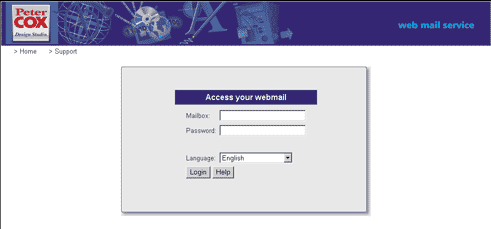
The web
mail login page appears:
|
|
|
| Enter the email address of the
mailbox you wish to access, e.g. 'sales@pcdsclient.com' |
| Enter your password and click
on the Login
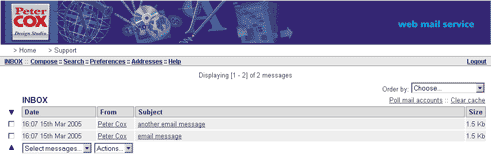
button. A list of your email messages appears: |
|
|
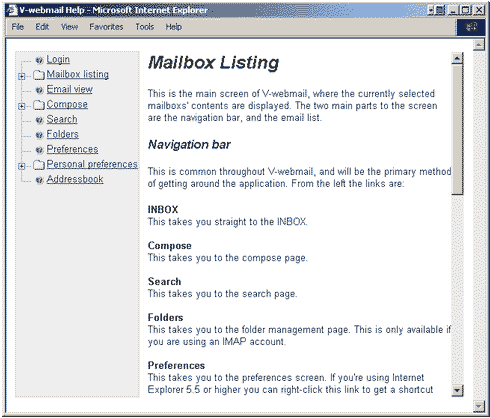
| For further guidance and details
on how to use the PCDS web mail
service click on the Help
link in the web mail
menu bar. |
 |
| To quit securely from the web
mail service always
click on the Logout
link and then close your browser from the login page. |
| Please note the following
service exclusions: |
|
The following features described in the
web mail
help system are not currently available:
• Folders
• Message rules
• Mail account polling
|
|
|
|
© Peter Cox Design Studio 2006
|

 PCDS
Home
PCDS
Home